Install Lansy AI on iPhone
Lansy AI has an iPhone app for recording conversations with customers. Team members get an analysis of each one right on the phone. Installation takes about two minutes.
What you need
- An iPhone with iOS 16.4 or later.
- Your Lansy AI sign-in details. Your administrator sends them when your team is set up.
- An internet connection and an Apple ID.
1. Install the app
- 1Open Lansy AI in the App Store or search for Lansy.
- 2Tap Get and wait for the app to install.

2. Sign in
- 1Open the app and tap Sign in on the start screen.
- 2Enter the email and password for your Lansy AI account.
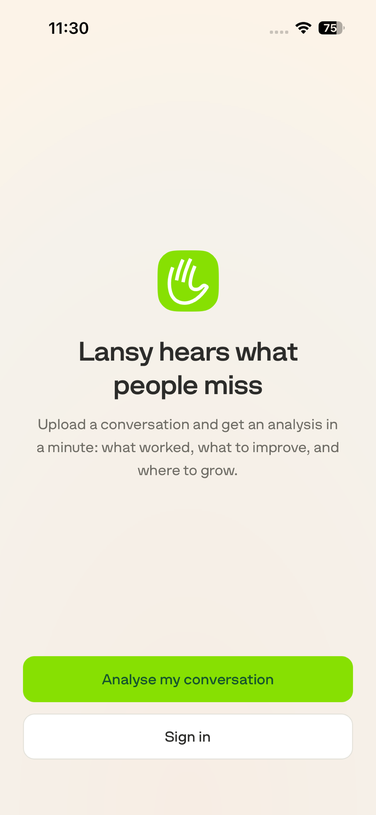
No account yet? Tap Analyse my conversation on the start screen, upload a recording, and get an AI analysis on screen and as a PDF by email.
3. Record a conversation
- 1Tap Recording in the bottom bar.
- 2Allow microphone access when iOS asks.
- 3Lock the screen if you like: recording continues in the background, and the lock screen shows its status.
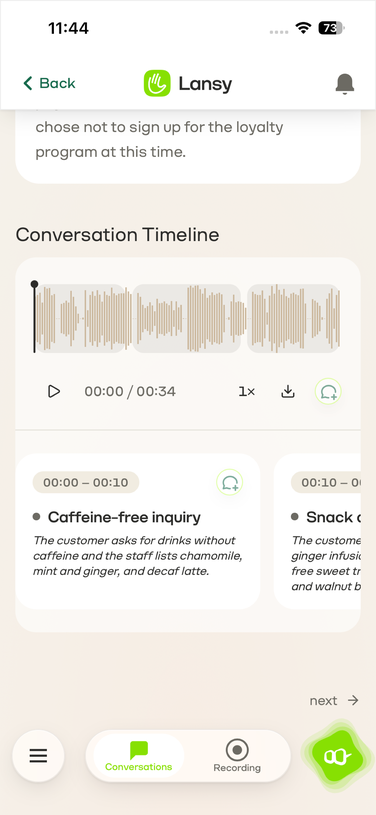
- 4To finish, tap Pause, then tap Save recording (the round button with a down arrow) that appears next to it. Lansy AI uploads the recording and sends a notification when the analysis is ready. You’ll find it in Conversations.
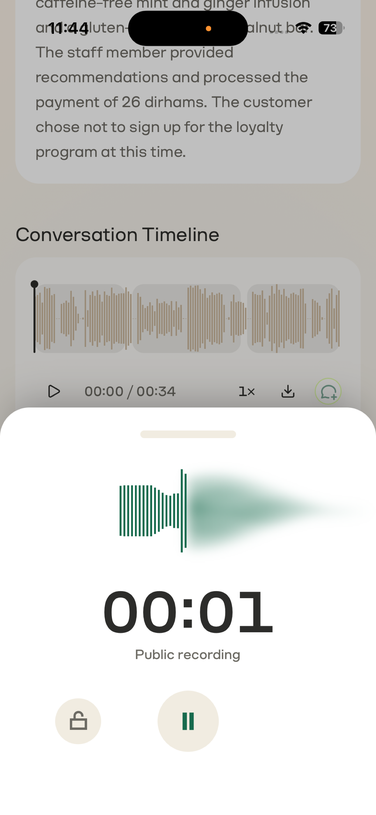
If a conversation is personal and shouldn’t be analyzed, tap the lock in the recording panel (Make this recording private). This can’t be undone.
Still stuck? Write to us — we answer quickly.